Add or replace a machine
Match the new machine to the reels, material and controls on either side of it.
- What to bring
- Input and output sizes, reel drawings and the models of the adjoining machines.
Plan your cable line, prepare the factory for installation and train your operators. For machinery already in service, start with a spare parts or troubleshooting request.

Each project starts with a different decision. Choose yours to carry its preparation notes into your brief.
Match the new machine to the reels, material and controls on either side of it.
Find the limiting operation and decide which machines can stay in service.
Decide what material to buy in and which operations to bring into your factory.
Use these four service scopes to decide what to request. The technical proposal sets the deliverables for your equipment.
Trace the cable from incoming wire or conductor to the finished reel. This establishes which drawing, bunching, twisting or extrusion operations belong in the quotation.
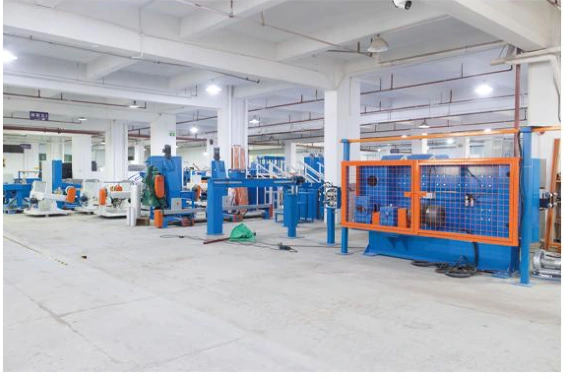
Check how the line fits the building and how operators will load reels, change tooling and reach the equipment for maintenance.
Choose the tasks your team needs to practise on the supplied machines, from threading and start-up to changeovers and routine inspection.
Use the model and serial number on the nameplate to request the spare parts list for your machine.
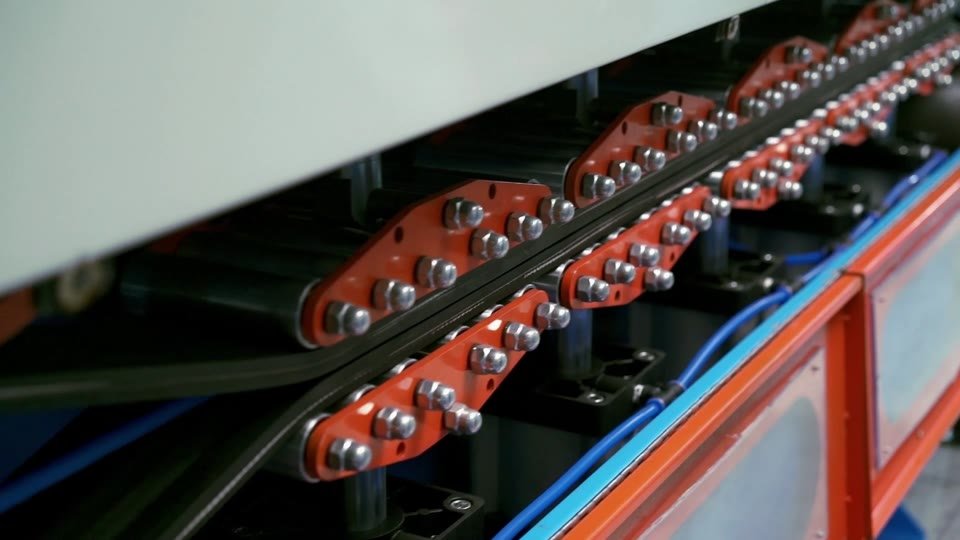
Start with the whole machine, then show the assembly you are asking about. These two views show the same cable haul-off.
Use these checkpoints with your purchasing, engineering and production teams. Each one leaves a record the next team can use.
Mark up one representative cable drawing. Identify the starting material, finished size range and saleable output needed per shift.
Check the main machines, ancillary units, tooling and exclusions against the same product range. Record which items need separate prices.
Review line position, access, lifting, utility connections and reel movement on the floor plan. Assign an owner and a readiness date to each site task.
Choose the trial product, conductor, compound and reels. Agree which dimensions, output and operating conditions to record, who supplies the gauges and who witnesses the run.
Review operating and maintenance tasks with the named operators. Record open items, manuals, machine identifiers and the spare parts list for follow-up.
Use this comparison when reviewing quotations. Record who supplies each item, who carries out the work and whose price includes it.
| Work package | Confirm in the equipment proposal | Assign at the factory |
|---|---|---|
| Machines & interfaces | List the machines, tooling, control interfaces and auxiliary units in the price. | Provide drawings and working ranges for equipment you plan to retain. |
| Building & utilities | Identify machine positions, service access and utility connection points. | Assign foundations, local wiring, piping, drainage and lifting to named parties. |
| Installation & training | Define the requested technical assistance, training topics and visit arrangements. | Name local technicians, operators and a language contact. Allocate travel and site labour costs. |
| Trial & acceptance | Agree representative products, measurements and the record that will be signed. | Allocate trial material, reels, gauges, witnesses and responsibility for finished-cable testing. |
| Parts & follow-up | Identify any initial spares and the basis for pricing replacements or service visits. | Keep machine and part references, and agree who handles freight and local fitting. |
Comparing prices? Give unpriced items their own line in the budget, especially rigging, trial materials, technicians’ travel and freight for spares.
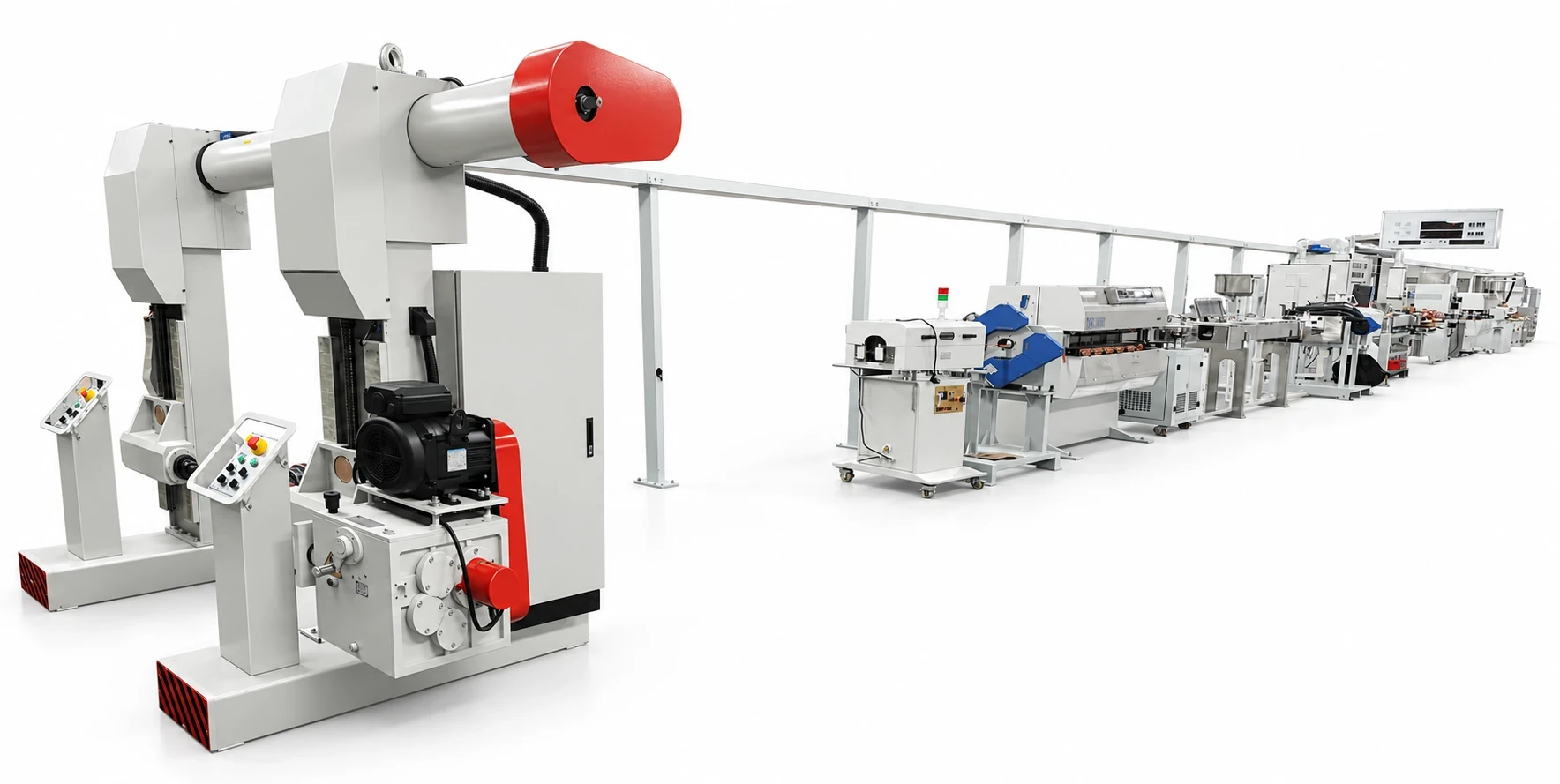
On an extrusion line, the equipment footprint is only part of the space you need. Mark these three points on your drawing before fixing the layout.
Practical questions to settle before you order machinery or schedule site work.
Provide a sample description or sketch, the materials you expect to buy in and the finished product you want to sell. Mark unknown sizes or volumes as open items. The first review can then identify the decisions that affect the equipment list.
Include its model, actual working range, reel sizes and interface photos. For example, a take-up can suit the finished reel but still require a different control signal or tension range. Confirm those points before assuming the machine can be reused.
Agree which machines will be on site, access for unloading, readiness of utilities, available local staff and the tasks the visiting technician will cover. Put travel, accommodation, duration and any extra site work in the quotation.
Use a named product and material. State finished metres, coils or reels over a defined running period, and agree how changeovers, scrap and downtime will be counted. Record the measurement method alongside the target.
Add the cable, equipment and site details you already know. Review the brief and download a copy to use in your technical discussion.